
NEWS
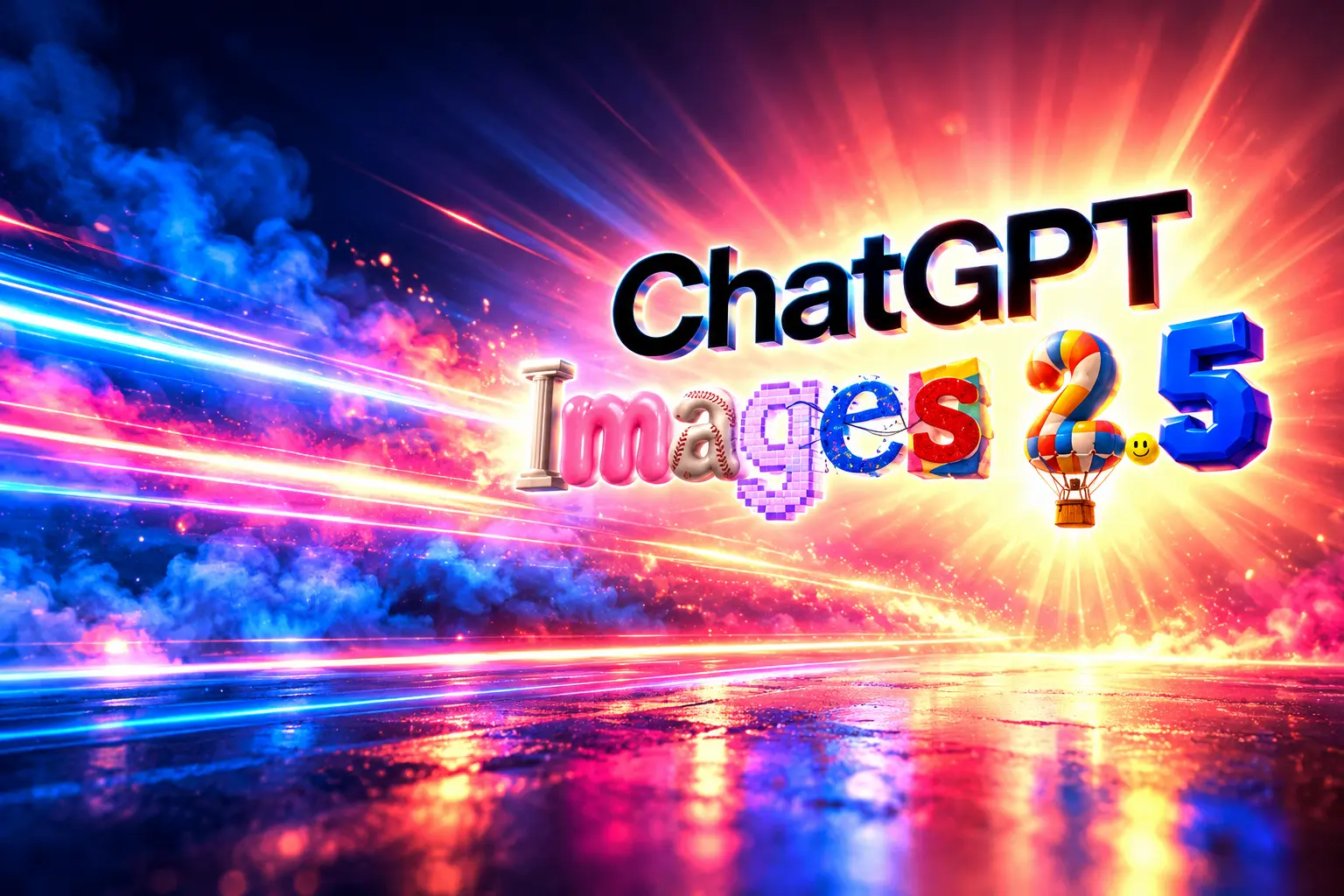
ChatGPT Images 2.5 Splits Image Work Into Two Speeds
OpenAI’s ChatGPT Images 2.5 pairs a faster Flare factory with a precise Sunburst studio, and Adobe already runs both models inside Firefly.

OpenAI released ChatGPT Images 2.5 on September 8, 2026, with two API models and up to 50% lower wait times. The model is live for ChatGPT, ChatGPT Work, and Codex on desktop, mobile, and web.
People already make more than 3 billion images a week across ChatGPT Images and the GPT-Image API. The new build still sells prettier lighting. It also splits the job in two, and Adobe is already running both models in Firefly.
A Factory Model and a Studio Model
GPT-Image-2.5 Flare is the default for most API apps. OpenAI presents it as the fast everyday model, with higher-quality images than GPT-Image-2 at up to 50% lower latency, aimed at social posts, product pages, visual search, quick mocks, and high-volume runs.
GPT-Image-2.5 Sunburst is the slower lane. OpenAI built it for tighter control across edits, the kind of work that ends as campaign stills or polished product shots. The ChatGPT box itself still ships as one name, Images 2.5, with no public label for which SKU sits behind a Plus or Pro chat.
FLARE VERSUS SUNBURST
| Model | OpenAI’s job for it | Wait time | Where it is meant to sit |
|---|---|---|---|
| GPT-Image-2.5 Flare | Fast everyday model | Up to 50% lower than GPT-Image-2 | Social, product pages, high volume |
| GPT-Image-2.5 Sunburst | Precision base model | Longer generation | Campaigns and finished product shots |
| GPT Image 2 | Prior flagship | Baseline | Apps that have not switched yet |
OpenAI’s prompting guide describes Flare as the small speed model and Sunburst as the quality-first base. Both take text and image inputs, both edit, and both can return transparent backgrounds. If a GPT Image 2 pipeline already passes quality checks, the documented path is to try Flare first and keep Sunburst only when the extra control is required.
ChatGPT Images 2.5 is rolling out today to all ChatGPT, ChatGPT Work, and Codex users across desktop, mobile, and web.
We’re also introducing two new models in the API: GPT-Image-2.5 Flare brings the same quality, editing, and speed improvements, while GPT-Image-2.5 Sunburst…
— OpenAI (@OpenAI) September 8, 2026
Adobe Put the New Models in Firefly
The quiet line in the launch post is a customer quote, not a benchmark. Matt Chotin, senior director of product at Adobe, said GPT-Image-2.5 is now inside Firefly, Adobe’s creative AI studio, alongside other partner models.
Adobe Firefly, our creative AI studio, gives creators flexibility and control as they move from idea to finished content, bringing together leading AI models and Adobe’s pro-grade tools in one place. We’re excited to expand that choice with OpenAI’s latest GPT-Image-2.5 models now in Firefly, bringing faster generation and resolution consistency that keep images sharp and photorealistic through every refinement.
Matt Chotin, Senior Director, Product at Adobe, OpenAI launch post
That puts OpenAI on both sides of the desk. ChatGPT is shipping its own editor loop, complete with sketches, on-image comments, and prompt sharing. Firefly is taking the same models as one more option in a picker that already holds Adobe’s Firefly line plus partners such as Flux and Gemini.
Higgsfield turned Sunburst and Flare on the same day. Manus and Runway are in the same launch set. The pixels are becoming a shared supply. The argument is over who owns the brief, the markup, and the next edit.
Draw It, Mark It, Then Hand Off the Prompt
ChatGPT’s new controls are the consumer version of that argument. Sketch lets a user draw in the chat and treat the doodle as a reference, then add a style note on top. OpenAI’s examples are a room layout, the contour of an outfit, or a joke drawing. Type @Sketch to open it.
Comments sit on the image itself, so an edit can point at one region instead of restating the whole scene. Templates start a Poster or Merch file, and the launch copy also cites flyers and product photos as common formats. The last new switch is social: when you share an image, you can send the prompt with it so someone else can rerun the idea on their own photos. OpenAI even pointed at a prompt, already spreading, that restyles a face as an 1980s portrait.
THE NEW CHATGPT IMAGE TOOLS
- Sketch: Draw in ChatGPT and use the drawing as a visual guide for the finished image.
- On-image comments: Pin a note on the frame so the model changes one area and leaves the rest.
- Templates: Start from Poster or Merch instead of a blank prompt, then add copy, style, and design notes.
- Prompt sharing: Attach the prompt to a shared image so other people can remix it with their own photos.
Those four moves change the unit of work. The useful object is no longer a single lucky frame. It is a brief you can sketch, mark, reuse, and hand to the next person, which is how a merch drop or a poster series actually gets made.
How ChatGPT Images Got to 3 Billion a Week
The volume figure only makes sense against the first spike. OpenAI put native image making in ChatGPT on March 25, 2025, then brought the same model to the API on April 23, 2025 as gpt-image-1. When the company 130 million users in the first week had already made more than 700 million images.
Images 2.0, the gpt-image-2 generation, arrived on April 21, 2026, with reasoning, larger output, and stronger in-image text. Images 2.5 is the next cut of that line, not a new toy, and the weekly run rate OpenAI now cites is more than 3 billion frames across ChatGPT and the API.
THE GPT IMAGE LINE
- March 25, 2025: Native image making ships in ChatGPT.
- April 23, 2025: gpt-image-1 reaches the API after a first week of more than 700 million images.
- April 21, 2026: ChatGPT Images 2.0 / gpt-image-2 becomes the flagship.
- September 8, 2026: ChatGPT Images 2.5 ships, with Flare and Sunburst in the API.
A factory that large cares less about one beautiful sample and more about whether the tenth edit still looks like the same product. That is the bar OpenAI is now writing into the docs.
Flare and Sunburst Keep the Old Token Price
Sticker prices did not move. The Flare model page lists $5 text input and $30 output per million tokens, with image input at $8 and cached rates at $1.25 for text and $2 for images. OpenAI says those token rates match GPT Image 2. It also says the GPT Image 2 calculator does not estimate GPT Image 2.5 token use, so the bill per accepted frame is still something teams have to measure.
THE PRICE SHEET
- Text input: $5.00 per 1M tokens, $1.25 when cached.
- Image input: $8.00 per 1M tokens, $2.00 when cached.
- Image output: $30.00 per 1M tokens, with no text-output charge.
- Quality knobs: auto, low, medium, high, plus new xhigh and max.
Lucky Liao, on Manus’s evaluation team, said Flare produced high-quality images at two to four times the speed of GPT-Image-2 in their tests, with better transparent backgrounds for brand marks, decks, and sites. That is a customer stopwatch, not OpenAI’s “up to 50%” ceiling, and the two should not be averaged.
Both models accept custom widths and heights, including 2048×2048 and 3840×2160, and they support opaque or transparent backgrounds. Developers can pin dated snapshots such as gpt-image-2.5-flare-2026-09-08. The Responses API is the path for multi-turn edits; the Images API is the path for a single generate or edit call.
The Jacket Can Change and the Pose Holds
OpenAI’s own demo language is blunt about the job. Change a jacket and keep the person where they stand. Swap a backdrop and keep the product. Rewrite on-image copy without rebuilding the layout. In the API launch video, the company said Sunburst follows detailed instructions more closely, “down to which hand someone writes with.”
Axultan Alimkulov, head of product at Higgsfield AI, went at the same point from the other side: the model’s talent is knowing what to leave alone.
What impressed us most about GPT-Image-2.5 Flare is how well it understands what not to change. You can make a meaningful edit without losing the character, composition or visual identity of the original image. That’s incredibly important for the way creators and teams actually work across film, UGC and advertising. And when you combine that level of control with the speed, quality and cost, GPT-Image-2.5 Flare really stands out.
Axultan Alimkulov, Head of Product at Higgsfield AI, OpenAI launch post
OpenAI told developers to put that behavior into photo editors, image-to-video pipelines that need the same face across frames, design tools that turn a brief into a set of on-brand stills, ad stacks that localize a campaign, and ecommerce jobs that turn one pack shot into studio, lifestyle, and catalog variants. Reference photos are the other half of the pitch: faces and products are supposed to stay recognizable when the scene, style, or crop changes.
The prompting guide still warns that repeated edits can drift. If a region must stay pixel-identical, the documented fix is to composite the approved patch back onto the original, not to trust another prompt. That sentence is the tell. This is an editor with a retry loop, and it still needs a human with the last layer.
Safety stays on the old rails. Prompts and images go through checks, and OpenAI says it still writes C2PA metadata and invisible watermarking so a 2.5 frame can be identified. The system card is the longer write-up of those tests.
Frequently Asked Questions
What Is the Difference Between GPT-Image-2.5 Flare and Sunburst?
Flare is the small, speed-first model and the documented default for most apps; Sunburst is the base model for extra edit control and higher quality, with longer generation times. Both share the same token rates as GPT Image 2, both add xhigh and max quality, and both have dated snapshots from September 8, 2026 that developers can pin in production.
How Do You Use Sketch in ChatGPT Images 2.5?
Type @Sketch in ChatGPT to draw inside the chat, then add a text note for style and details so the doodle becomes a finished image. OpenAI says you do not need to be a professional artist; Sketch is a ChatGPT product control, not a separate API model name, and it is meant to sit beside comments, templates, and prompt sharing rather than replace them.
Does ChatGPT Images 2.5 Watermark AI Images?
OpenAI says ChatGPT Images 2.5 still uses C2PA Content Credentials metadata plus an invisible watermark, with extra checks on prompts and images to block harmful outputs. The company published a system card for this release that covers those evaluations, rather than listing a new public detection API in the product post.
What Image Sizes Can GPT-Image-2.5 Generate?
Custom sizes are written as WIDTHxHEIGHT, with each edge a multiple of 16 pixels, no edge above 3,840 pixels, a longest-to-shortest ratio no higher than 3:1, and a total pixel count between 655,360 and 8,294,400. Common presets include 1024×1024, 1536×1024, 2048×2048, and 3840×2160, and outputs above 3,686,400 pixels (2560×1440) are still listed as experimental.
Who Can Call the GPT-Image-2.5 API?
Flare and Sunburst are live in the Images API and as the image tool in the Responses API, but GPT Image use can require organization verification in the developer console. Flare has no Free tier; Tier 1 starts at 100,000 tokens per minute and 5 images per minute, and Tier 5 rises to 8,000,000 tokens per minute and 250 images per minute.
The consumer chat still will not tell you whether a given frame came from Flare or Sunburst. Until that label exists, the two-speed shop is an API fact, and the ChatGPT box is one editor sitting on top of it.

Anker’s $94 MagSafe Dock Undercuts Apple on Prime Day

LG Will Sell the Apple-Designed Lock and Thermostat

Claude Asks to Keep Voice Recordings It Once Deleted

Jeep Bets One Grand Wagoneer Can Replace Two

Kortext Buys the Study Tool Already Inside Campus Software
How to Remove Sewn-In Tags – Techniques for Tag Removal from Clothing

Long Realty Drops Lundeen After the Flight 618 Arrest

Land Rover Pushes the Electric Defender Into the 2030s

Boox Picco Drops Phone Magnets for a Pocket Linux Reader

OPEC+ Holds October Oil Output After Six Paper Hikes
-
LIFESTYLE3 years ago
How to Remove Sewn-In Tags – Techniques for Tag Removal from Clothing
-
 BUSINESS2 months ago
Long Realty Drops Lundeen After the Flight 618 Arrest
-
 AUTO2 months ago
Land Rover Pushes the Electric Defender Into the 2030s
-
 NEWS2 months ago
Boox Picco Drops Phone Magnets for a Pocket Linux Reader
-
 BUSINESS1 month ago
OPEC+ Holds October Oil Output After Six Paper Hikes
-
 GAMING1 month ago
Kalshi Asks 11 Judges to Undo a Sports-Swap Split
-
 LIFESTYLE3 years ago
American Eagle Style Number on Tag – Decoding Clothing Label Information
-
 NEWS1 month ago
swXtch.io Lets a Chat Deploy Live Media Stacks