
NEWS
Google’s Gemini App Grabs Alt+Space on Windows
Google’s Gemini app for Windows opens with Alt + Space, the same shortcut Copilot already uses, months after a richer Mac client and still without screen sharing.

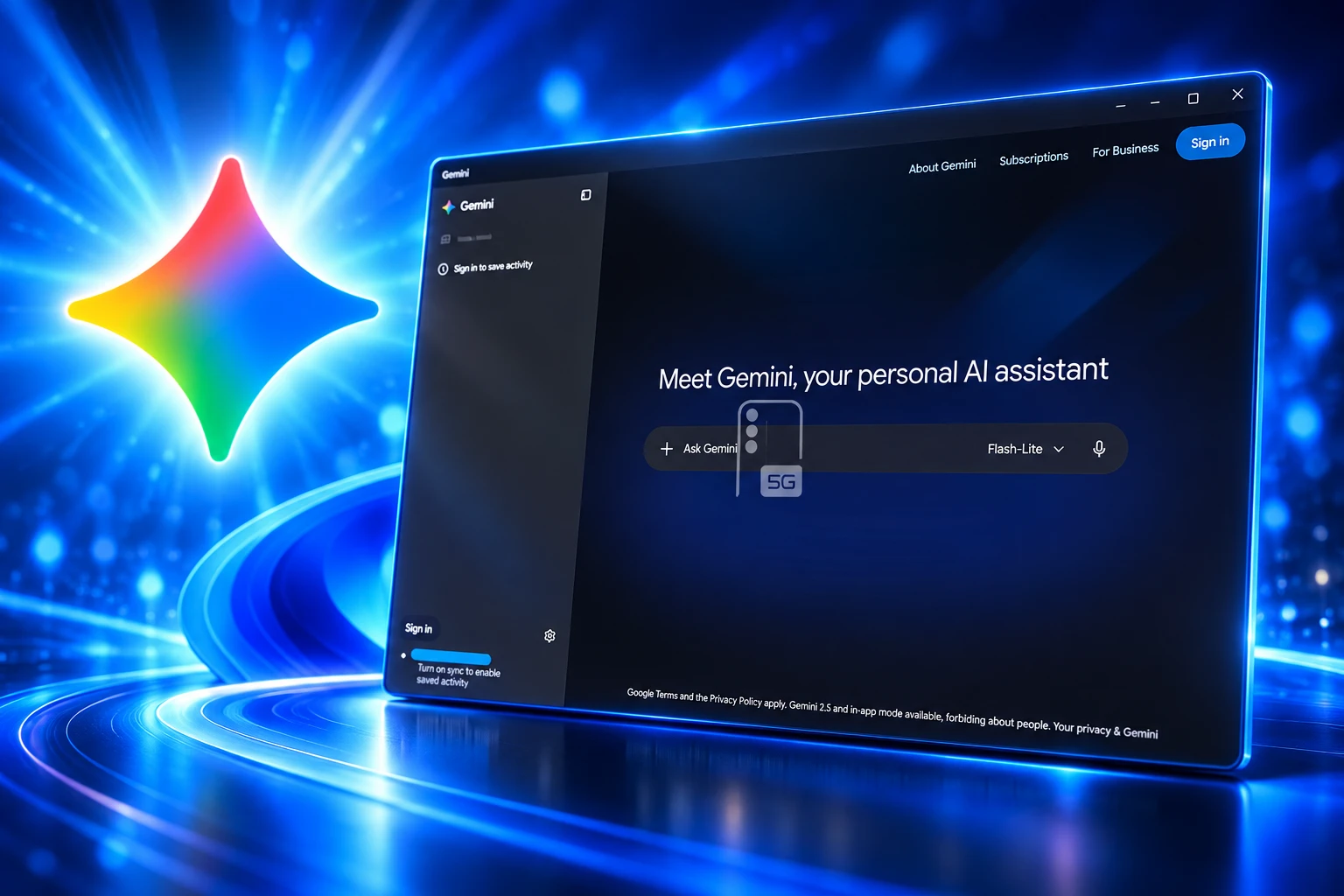
Google opened a native Gemini app for Windows 10 and 11 on September 10, 2026, summoned with Alt + Space. The overlay sits over the program in front of you, and it uses the same two keys Microsoft already assigned to Copilot.
Erin Pettigrew, director of product management for the Gemini app, wrote that the client is meant to help without breaking flow. The Mac app has been doing that since April 15, 2026, with extra tricks Windows still does not list.
Google Puts Gemini on Windows Without the Mac Tricks
The Windows client is a dedicated Gemini workspace, not a browser tab you have to find. Pettigrew’s launch note says you press Alt + Space to open Gemini over active work, then jump back into the document or slide deck in front of you.
Press Alt + Space on your PC at any time to open Gemini over your active work.
Erin Pettigrew, Director of Product Management, Gemini App, Google blog
Inside that window you can hand off multi-step jobs to Gemini Spark, pull from Gmail and Google Drive, generate stills with Nano Banana, and direct video with Gemini Omni. Google calls the app lightweight and quiet, and says more native desktop features will roll out over time. The company posted the same pitch on its Gemini account the day the installer went live.
The Gemini app is now available for Windows.
Stay in your flow with help that’s only one shortcut away. Press Alt + Space to polish drafts, summarize long documents, brainstorm new ideas, and create custom images and videos right alongside your favorite tools and daily apps.
— Google Gemini (@GeminiApp) September 10, 2026
You can also pin it to the taskbar or open it from the system tray, and the shortcut can be changed in settings. The download is live globally for Windows 10 and 11, in the countries and languages where the Gemini app already runs, on both x64 and ARM64 PCs.
The Same Keys Already Launch Copilot
Microsoft’s own Copilot-on-Windows guide tells people they can bring up Copilot at any time with Alt + Spacebar, which opens a smaller Quick View. Hold the same keys for two seconds and Copilot starts a voice session. That is the consumer Copilot overlay, not the Microsoft 365 app, which still leans on the Copilot key and Win + C.
Windows itself has used Alt + Spacebar for decades to open the system menu on the active window, the strip that lets you move, resize, or close it. Microsoft PowerToys Run has also defaulted to Alt + Space, and users have filed conflicts with Copilot on that combo for more than a year. Google’s separate search app for Windows, shipped in April 2026, used Alt + Space for a Spotlight-style box. Gemini now claims the same pair.
WHO ALREADY WANTS ALT + SPACE
| Keys | What claims them | What opens |
|---|---|---|
| Alt + Space | Gemini app for Windows (default, can be changed) | Gemini overlay |
| Alt + Spacebar | Copilot on Windows | Quick View, or press-to-talk if held |
| Alt + Space | PowerToys Run (default) | App launcher |
| Alt + Spacebar | Windows desktop | System menu for the active window |
| Win + C or Copilot key | Microsoft 365 Copilot | Copilot app or quick view |
Install two of those tools and the first one to register the hook wins. Power users already live in that mess. Google is betting you will rebind something else, or that you never turned Copilot’s shortcut on. Desktop Windows is turning into a fight over two keys, because the labs would rather steal a hotkey than live in a browser tab.
Spark Stays Behind a Paid Gate
The free Gemini chat is not the whole pitch. Google is pushing Gemini Spark, the agent that takes a multi-step job and keeps working after you look away. On the Spark page, Google says the agent works in the background 24/7, even if the phone and laptop are off, while staying under your direction.
Give it a task and it works in the background 24/7, even if your phone and laptop are turned off.
Google, Gemini Spark product page
Spark is listed for Google AI Pro and Ultra subscribers over 18 in select countries, plus select business users. The Windows launch footnote repeats the same gate for Spark and Omni: a Google AI subscription, availability that varies, and 18+. Image and video tools sit in that bucket too. A free install still gets you a Gemini window; the agent and Omni video do not ride along for every account.
APPS SPARK CAN TIE IN
- Gmail and Calendar: Find buried thread details and compare meeting notes without opening those tabs first.
- Drive, Docs, Sheets, and Slides: Draft a project summary from files you already store with Google.
- YouTube and Maps: Pull from watch history and locations when those connections are on.
- Off by default: Google says you turn each connection on in settings rather than granting the lot at install.
On Windows, Spark is described as working through those Google apps. The Mac build can also attach local folders so the agent can tidy and summarize files on the disk. Google’s Gemini team said that local-file hook should arrive soon for the Windows app, which is an admission it is not in the first build.
What Windows Still Cannot Do
Google’s own desktop FAQ is blunt about the gap. macOS can share screen context, take dictation that formats text inside other programs, and let Spark work through local folders. Windows gets the overlay, the Workspace hooks, and the media tools, with “more native features” promised later.
MAC VS WINDOWS ON DAY ONE
| Capability | Windows app, September 10, 2026 | macOS app |
|---|---|---|
| Instant overlay | Alt + Space, plus taskbar and tray | Option + Space for a mini chat, Option + Shift + Space for the full chat |
| Screen context | Not listed; native features said to follow | Share a window, or press both Command keys |
| Dictation in other apps | Missing at launch | Voice input that formats and edits in the open program |
| Spark on local folders | Team said it should arrive soon | Organize and summarize local files |
| Machines | Windows 10 or later, x64 and ARM64 | Apple Silicon, macOS Sequoia 15.0 or later |
| Age gates | Selected features, including Spark and Omni, 18+ | Mac app listed for Gemini users 13+ |
That is why the Windows launch reads late even though the installer is new. ChatGPT has had a Windows desktop app for some time, and Copilot is already on the machine. Google built the richer desktop Gemini for Mac first, then ported a thinner overlay to the OS that still runs most PCs. People who installed it on day one noticed the missing dictation before they noticed the marketing.
The Installer Still Supports Windows 10
Google could have drawn the line at Windows 11. It did not. The company says the Gemini app runs on Windows 10 or later, including ARM64, which puts it on PCs Microsoft has already stopped patching for ordinary users.
THE DESKTOP GEMINI CALENDAR
- April 14, 2026: Google’s search app for Windows goes wide, with an Alt + Space overlay aimed at Search and Lens, not a full Gemini workspace.
- April 15, 2026: The native Gemini app ships on Mac, with window sharing and Option + Space.
- July 2026: The Mac client gains Spark on local folders, plus more voice and screen tools.
- September 10, 2026: Gemini for Windows opens worldwide, with Alt + Space, Spark handoff through Google apps, Nano Banana, and Gemini Omni.
Microsoft’s support pages put Windows 10’s end of support on October 14, 2025. After that date the PCs still boot, but they no longer get regular security fixes unless they are on an extended program. Google is still willing to drop a new AI overlay on that fleet. For anyone stuck on Windows 10, that is a practical win. It is also a reminder that Gemini’s Windows story is about coverage, not about matching Mac feature for feature.
A Shortcut You Can Change
If Copilot, PowerToys, or the old window menu already owns Alt + Space, Gemini does not have to lose. Google says you can pick another shortcut in the app’s settings, then keep using the taskbar or tray icon. That is the adult fix, and it should be the first thing you do after install if the hotkey does nothing, or if it steals a keystroke you still need.
Chats and saved memory follow the Google Account, so a thread started on a phone can continue in the desktop window once you sign in. Selected tools still need a Google AI plan and an adult account. The honest read of this release is a global Windows overlay that gets you out of the browser, plus an agent and a video model that many free users will not see, on an OS where two other assistants already answer the same keys.
Google asked people to download the Gemini desktop app from its product page. The Mac build remains the one that can see the screen and talk into other apps. Until those pieces land on Windows, Alt + Space is the feature, and it is a crowded one.
Frequently Asked Questions
Where do I get the Gemini app for Windows?
Google hosts a combined desktop page at gemini.google/desktop that covers Windows and macOS. The Windows build is listed for Windows 10 or later on x64 and ARM64. Feature availability still varies by country, language, and plan, matching wherever the Gemini app is already supported.
Can I change the Alt + Space shortcut?
Yes. Google says the Windows shortcut is customizable in Gemini settings, and you can also launch from the taskbar or system tray. On Mac the defaults are different: Option + Space opens a mini chat, and Option + Shift + Space opens the full chat, with those keys also changeable in settings.
Does Gemini Spark work on a free Google account?
Google lists Spark for Google AI Pro and Ultra subscribers over 18 in select countries, and for select business users. The Windows launch note attaches the same subscription and 18+ footnote to Spark and Gemini Omni. The desktop app itself can still be installed without that plan; the agent and some media tools will not.
Will my Gemini chats show up on my phone?
If you sign in with the same Google Account, Google says chat history and remembered information sync across desktop, web, and mobile. You do not get a separate memory store just because you installed the Windows app.
Is the Windows app limited to adults?
The Mac Gemini app was listed for users 13 and older when it launched. On Windows, Google’s footnotes put Spark, Omni, and other selected features behind an 18+ Google AI subscription. The age rules are not the same for every Gemini surface, so a household with mixed ages should check which tools actually appear after sign-in.

Anker’s $94 MagSafe Dock Undercuts Apple on Prime Day

LG Will Sell the Apple-Designed Lock and Thermostat

Claude Asks to Keep Voice Recordings It Once Deleted

Jeep Bets One Grand Wagoneer Can Replace Two

Kortext Buys the Study Tool Already Inside Campus Software
How to Remove Sewn-In Tags – Techniques for Tag Removal from Clothing

Long Realty Drops Lundeen After the Flight 618 Arrest

Land Rover Pushes the Electric Defender Into the 2030s

Boox Picco Drops Phone Magnets for a Pocket Linux Reader

OPEC+ Holds October Oil Output After Six Paper Hikes
-
LIFESTYLE3 years ago
How to Remove Sewn-In Tags – Techniques for Tag Removal from Clothing
-
 BUSINESS2 months ago
Long Realty Drops Lundeen After the Flight 618 Arrest
-
 AUTO2 months ago
Land Rover Pushes the Electric Defender Into the 2030s
-
 NEWS2 months ago
Boox Picco Drops Phone Magnets for a Pocket Linux Reader
-
 BUSINESS2 months ago
OPEC+ Holds October Oil Output After Six Paper Hikes
-

 LIFESTYLE3 years ago
American Eagle Style Number on Tag – Decoding Clothing Label Information
-

 GAMING1 month ago
Kalshi Asks 11 Judges to Undo a Sports-Swap Split
-

 NEWS1 month ago
swXtch.io Lets a Chat Deploy Live Media Stacks